WhatsApp
WhatsApp is where you connect your business number, answer customers in a shared inbox, and send approved template messages and broadcasts. It also runs your product catalog, Click-to-WhatsApp ads and an AI agent that replies for you.
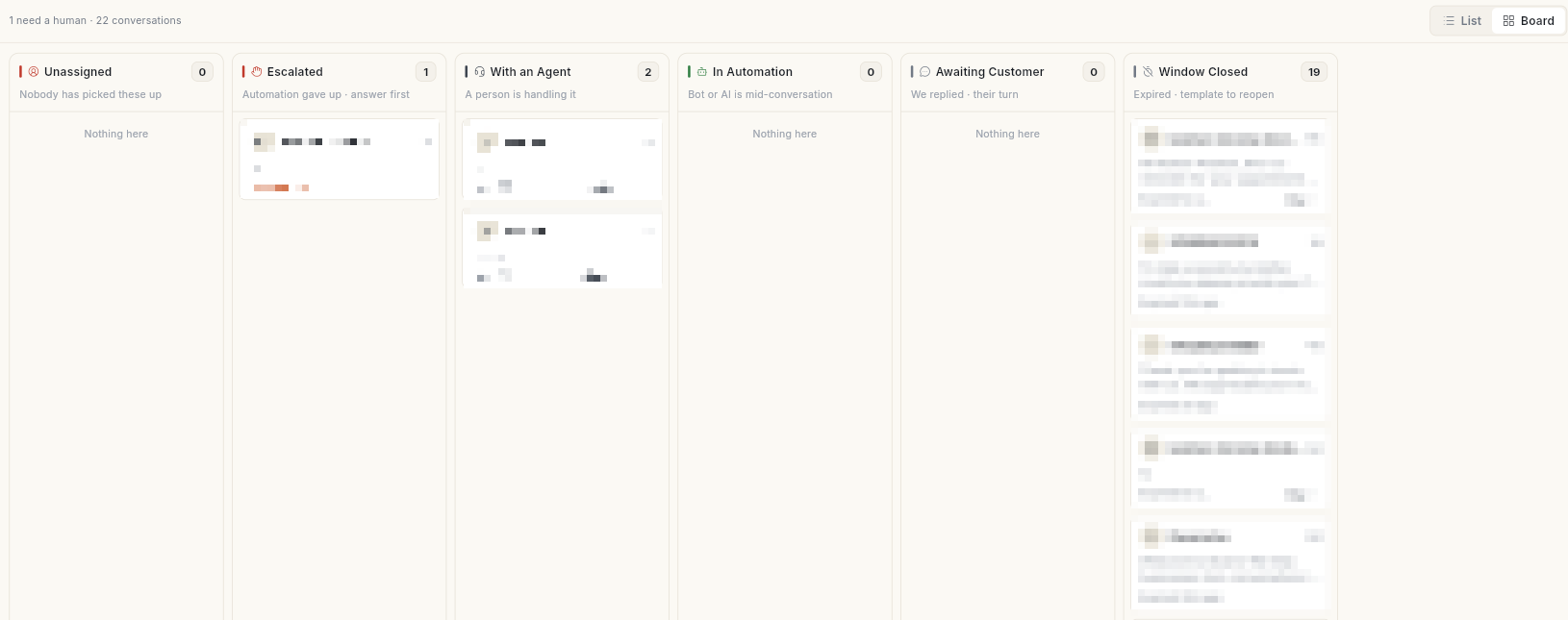
Where to find it
Open WhatsApp in the left rail. The panel is one list, split by dividers into 3 bands:
| Band | Panel items |
|---|---|
| Talk and send | Dashboard, Inbox, Campaign, Ads Manager |
| Build | Template, Flows |
| Manage | Contact, AI Agent, Catalog, Manage |
The setup screens are not in the panel. Click your initials bottom-left, then Settings → WhatsApp. The Setup group holds Configuration, Business Profile, Webhooks, Developer API, BUSY and Migrate to Ohanvi.
Manage opens its own list, including Opt-in Management, Live Chat Settings, Canned Messages, Agents, Tags, Scheduler and Delivery Logs.
A user with the WhatsApp Executive role sees only Inbox.
Before you start
- You have a WhatsApp Business number and admin access to your Meta Business Manager. Connect it from the web app — the Facebook window does not open on mobile.
- Your role has WhatsApp access. Each panel item has its own permission.
- You have credits. Template messages and AI replies use credits. See Credits and billing.
Set up
Follow these in order the first time.
| Guide | Use it when |
|---|---|
| Connect your WhatsApp number | You are setting up WhatsApp for the first time. |
| Run several WhatsApp numbers | You want more than one number, each with its own label and badge. |
| Move your WhatsApp number to Ohanvi | Your number is with another provider today. |
| Set up your WhatsApp business profile | You want customers to see your logo, description and address. |
| Add WhatsApp agents | Your team will answer chats. |
| Manage WhatsApp contacts | You want to add contacts, or manage opt-in and opt-out. |
Talk to customers
| Guide | Use it when |
|---|---|
| Use the WhatsApp inbox | You are answering, assigning or resolving chats. |
| Set up the WhatsApp AI agent | You want AI to answer common questions and hand off to your team. |
| Create a WhatsApp chatbot flow | You want a guided chatbot with buttons and questions. |
Send messages
| Guide | Use it when |
|---|---|
| Create a WhatsApp message template | You need a message approved by Meta before you can send it. |
| Send a WhatsApp broadcast campaign | You want to message a group of contacts now or later. |
| Read a WhatsApp campaign report | You want to see who got, read or failed to get your campaign. |
| Read the WhatsApp dashboard | You want your sending numbers, capacity and quality rating. |
Sell and grow
| Guide | Use it when |
|---|---|
| Set up your WhatsApp catalog | You want to send products in chat. |
| Run Click-to-WhatsApp ads | You want Meta ads that open a chat with you. |
| Set up WhatsApp webhooks and integrations | You are connecting Meta's webhook, developer API keys or BUSY. |
Related
- Flows — chatbots, automations and store messages.
- Analytics — broadcast and store performance.
- CRM and contacts
- Schedule — see scheduled broadcasts next to everything else.