Template
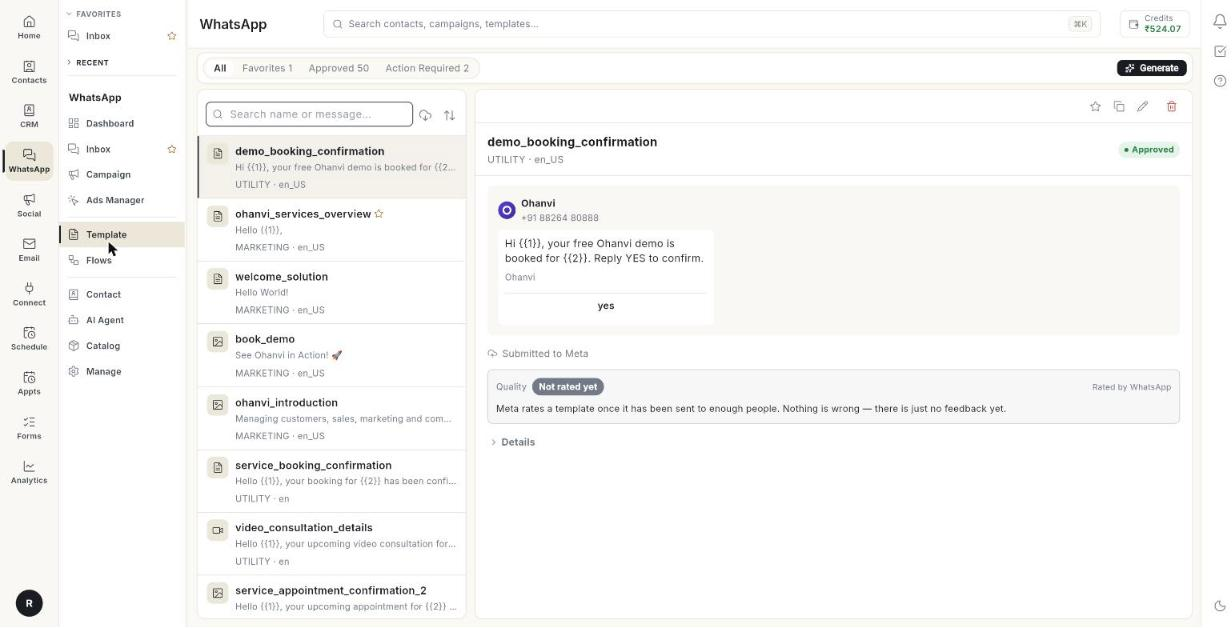
WhatsApp only lets a business start a chat with a template that Meta has approved. Here you create, submit and manage those templates.
Where to find it: open WhatsApp in the left rail, then select Template.
Guides
| Guide | Use it when |
|---|---|
| Create a message template | You want to write a new template and send it to Meta. |
| Use the template library | You want to start from a ready-made template. |
Before you start
- Your WhatsApp number is connected to Ohanvi. See Connect your WhatsApp number.
- Your role has access to this screen. If you do not see it, ask your admin.