Campaign
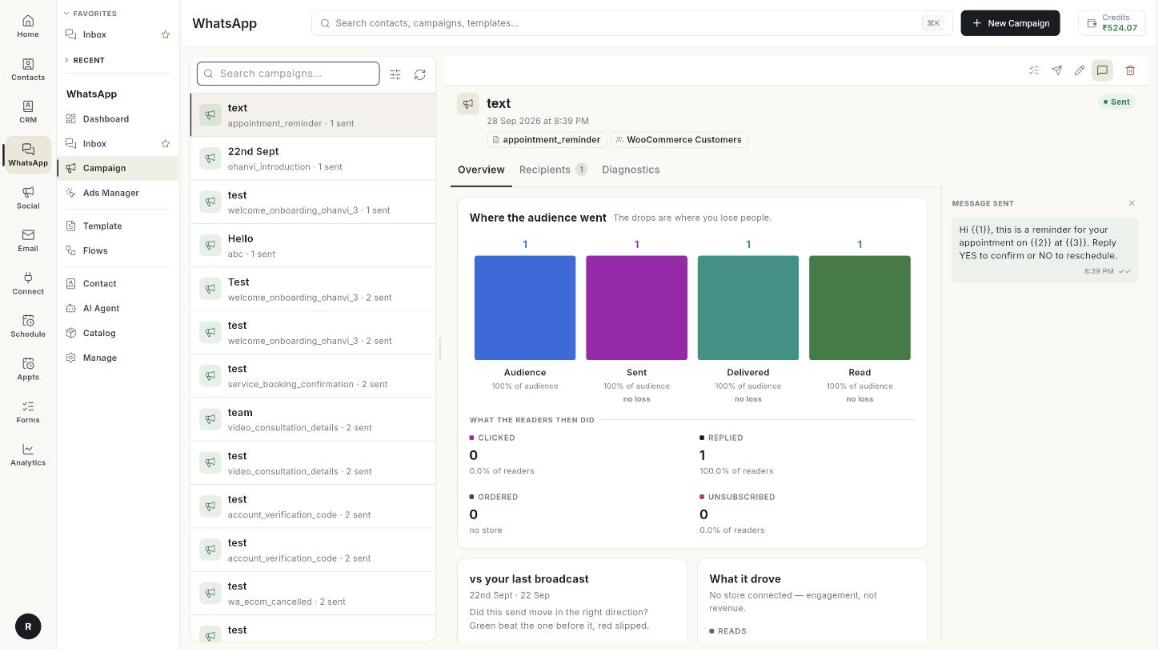
Campaigns send one approved template message to many people at once. You can send now, schedule for later, and see who got it.
Where to find it: open WhatsApp in the left rail, then select Campaign.
Guides
| Guide | Use it when |
|---|---|
| Send a broadcast campaign | You want to message a group of contacts. |
| Run several WhatsApp numbers | You want a campaign to go out from a number other than your Default. |
| Read a campaign report | You want to see delivered, read and failed messages. |
Before you start
- Your WhatsApp number is connected to Ohanvi. See Connect your WhatsApp number.
- Your role has access to this screen. If you do not see it, ask your admin.