Ohanvi Help Center
Step-by-step guides for running campaigns, automations, and customer communication from Ohanvi.
Help Center
How-to guides for Ohanvi users
Each module has an overview that shows where it sits in the app, what you need before you start, and the guides to follow in order. Every guide ends with troubleshooting for the problems people hit most.
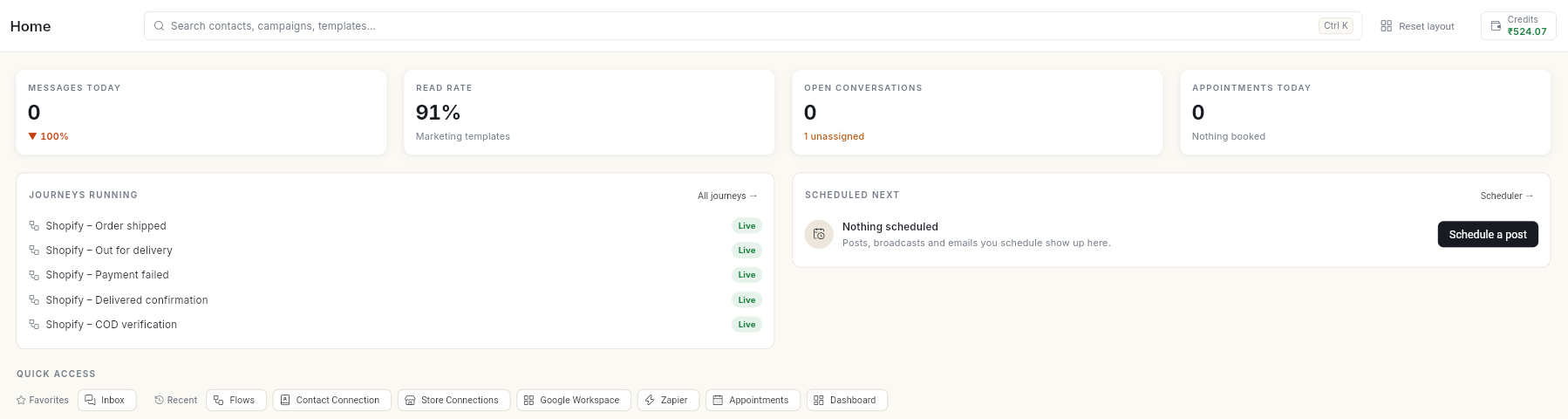
Browse by module
The modules are listed in the same order as the left rail in the app.
CRM and ContactsContacts, leads, groups, imports, deals, accounts, activities and sales reports.
WhatsAppNumber setup, inbox, templates, broadcasts, catalog, ads and AI agent.
FlowsChatbots, automations, connected apps and store journeys.
SocialConnected accounts, the composer, scheduling, approvals and insights.
EmailSender setup, lists, templates, campaigns, journeys and results.
AppointmentsServices, providers, booking rules and WhatsApp bookings.
ScheduleEverything scheduled across modules, in one calendar.
AnalyticsBroadcast and store performance, with suggested next steps.
TasksTask projects, boards, assignees, comments and sprints.
Google ReviewsReview page, QR code, flyer, stats, branches and auto-reply.
Event PhotosEvent galleries, camera Beam, guest QR codes and selfie matching.
SettingsYour profile, team, roles, notifications and developer access.
Billing and CreditsCredits, recharges, usage, invoices, GST details and your plan.
Start here
| Guide | Use it for |
|---|---|
| Sign up for Ohanvi | Creating your account. |
| Sign in to Ohanvi | Signing in with a password, Google, or an email code. |
| Connect your WhatsApp number | Linking your WhatsApp Business number. |
| Import and sync contacts | Bringing your customers into Ohanvi. |
| Invite teammates with a link | Adding your team. |
| Add funds to your account | Recharging credits before your first paid send. |