Ads Manager
Ads Manager runs Facebook and Instagram ads from inside Ohanvi. Use it to connect Meta, create ads, track results, and send website events back to Meta. Each page below covers one part of the module.
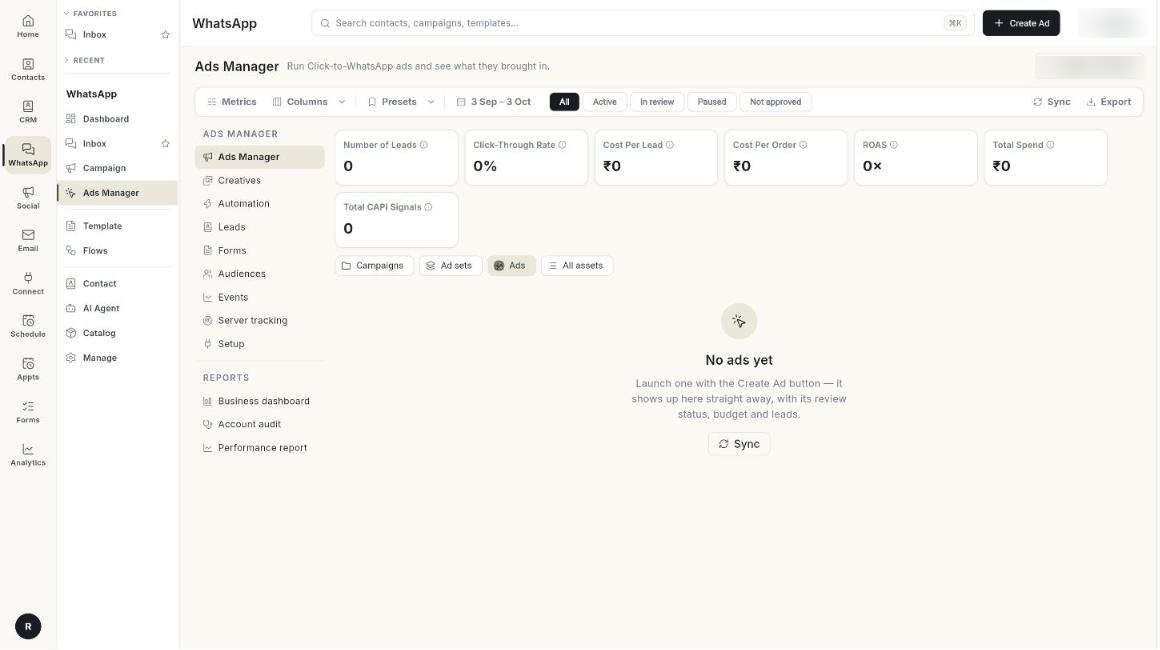
Guides
| Guide | Use it when |
|---|---|
| Set up Ads Manager | You connect Facebook, your Page, ad account and WhatsApp number for the first time. |
| Create an ad | You launch an ad and need to know what each field means. |
| Manage your ads | You check status, spend and results, or pause and edit an ad. |
| Use ad creatives | You compare pictures, videos and ad copy. |
| Automate your ads | You set rules that change or pause ads for you. |
| Manage ad leads | You see who messaged you from an ad. |
| Manage lead forms | You use lead form ads and check their forms. |
| Build ad audiences | You make custom, website or lookalike audiences. |
| Track website events | You send purchases and other website actions to Meta. |
| Set up server tracking | You send events from the server and check tracking health. |
| Read the performance report | You want spend, leads and message results per ad. |
| Read the business dashboard | You want one overview across your ads. |
| Run an account audit | You want a health check of the ad account. |
Before you start
- Your WhatsApp number is connected to Ohanvi. See Connect your WhatsApp number.
- You manage a Facebook Page and a Meta ad account.
- You can see Ads Manager in the WhatsApp panel. If not, ask your admin.