Set up WhatsApp
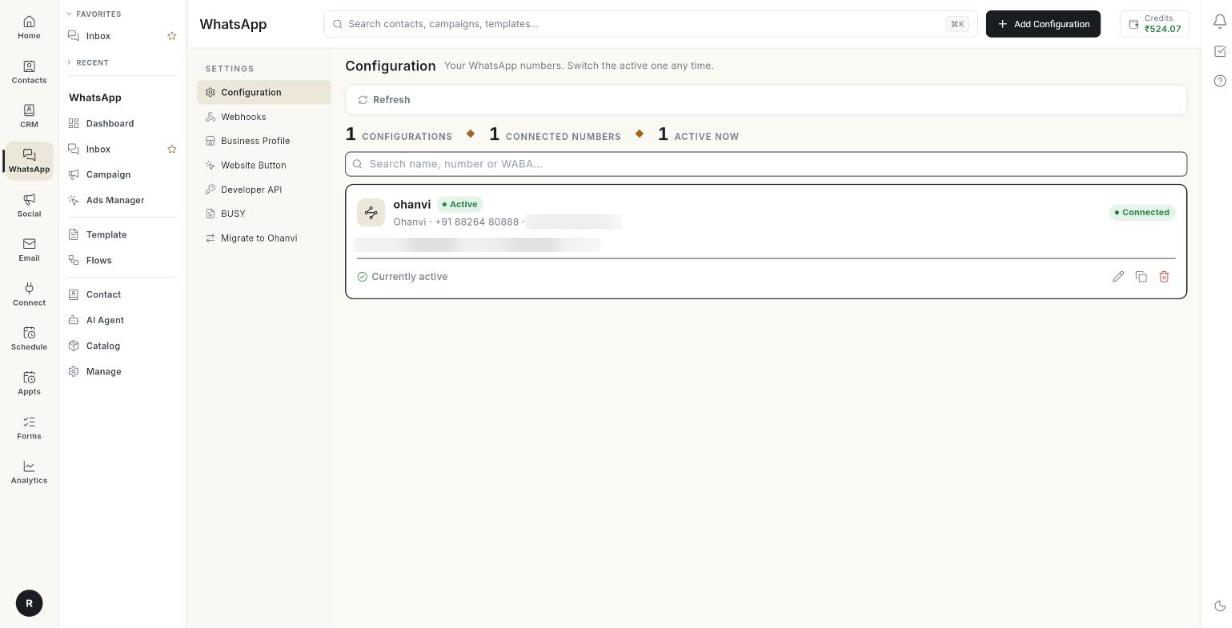
These screens are not in the WhatsApp panel. Click your initials at the bottom left, then Settings → WhatsApp. They connect and configure your number.
Where to find it: click your initials at the bottom left, select Settings, then WhatsApp.
Guides
| Guide | Use it when |
|---|---|
| Connect your number | You are setting up WhatsApp for the first time. |
| Run several WhatsApp numbers | You want more than one number, each with its own label and badge. |
| Edit a number | You want to change a connected number's label, badge, IDs or token. |
| Business profile | You want to change your picture, description or hours. |
| Move your number to Ohanvi | You are moving from another WhatsApp provider. |
| Add a chat button to your website | You want a WhatsApp button on your site. |
| Webhooks, Developer API and BUSY | You send messages from your own software. |
Before you start
- Your role has access to this screen. If you do not see it, ask your admin.