Analytics
Analytics reports on your WhatsApp broadcasts, your connected online store, your website visitors and how you appear in Google Search. Marketing Analytics and Store Analytics end with suggestions for what to do next.
Where to find it
Open Analytics in the left rail. The panel lists:
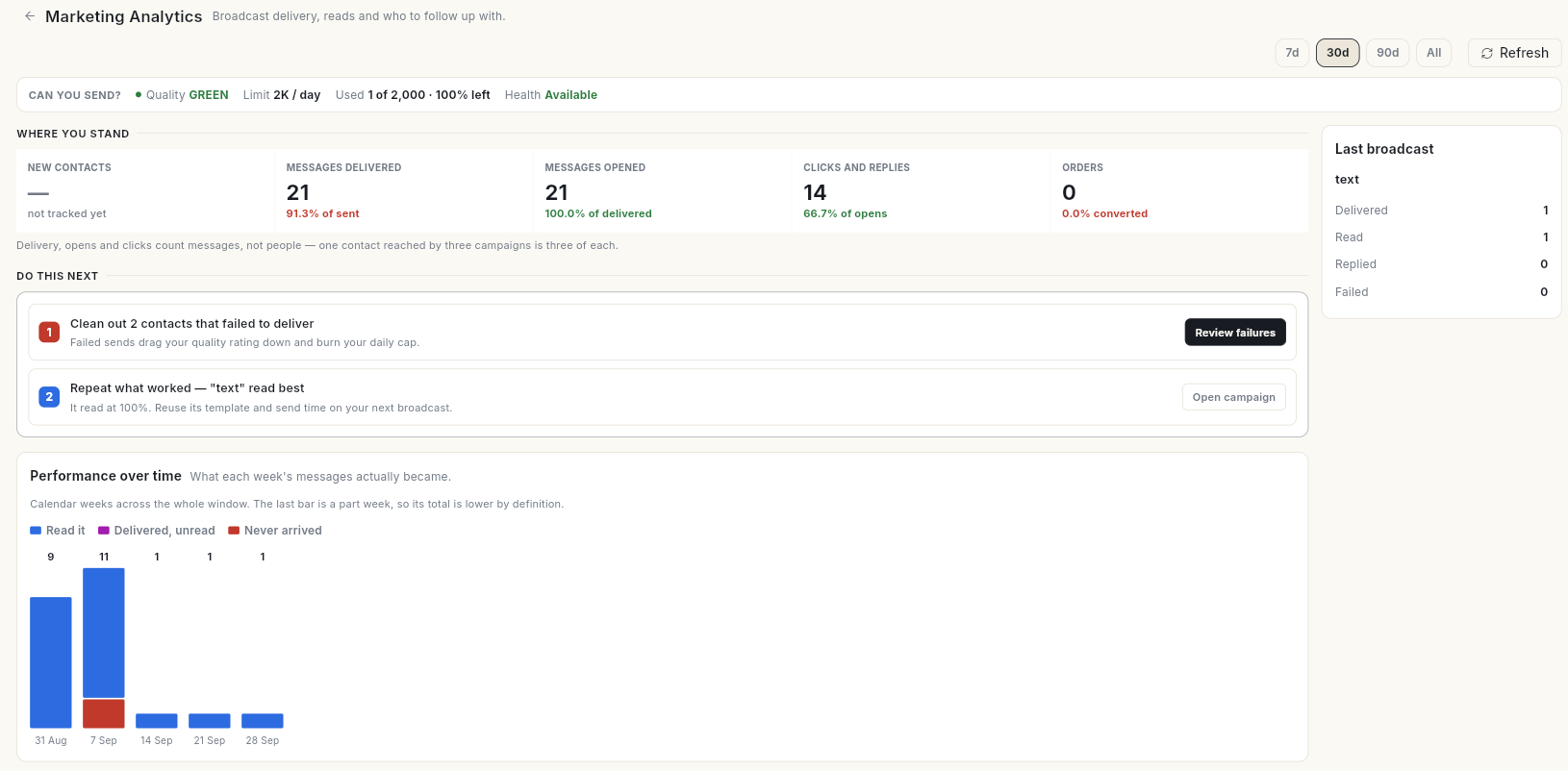
- Marketing Analytics — delivery, reads, failures and revenue from your WhatsApp broadcasts.
- Store Analytics — orders, revenue, customers and abandoned carts from your Shopify or WooCommerce store.
- Website Analytics — visitors, traffic sources, top pages and key events from Google Analytics.
- Search Analytics — clicks, impressions, rankings and index status from Google Search Console.
If Analytics is not on the rail, click More and find it there. Website Analytics and Search Analytics show only when your role has access and the feature is switched on for your account. If you are not connected yet, they show Connect Google Analytics or Connect Search Console. If you are connected but have not linked a property, they show Link a property. Both buttons open Google Workspace.
Before you start
- Your workspace has WhatsApp, and your role can see WhatsApp broadcasts (for Marketing Analytics) or the store integration (for Store Analytics). With neither, Marketing Analytics and Store Analytics are hidden.
- You have sent at least 1 WhatsApp broadcast, or your numbers stay empty.
- For store numbers, your store is connected under Connect → Store Connections.
- For website and search numbers, Google Analytics or Search Console is connected under Connect → Google Workspace, with a property linked.
Guides
| Guide | Use it when |
|---|---|
| Set up data for Analytics | The screens are empty or missing. |
| Read Marketing Analytics | You want to understand your broadcast numbers. |
| Read Store Analytics | You want to understand your store numbers. |
| Connect Google Analytics | You want to open Website Analytics and read your website numbers. |
| Connect Google Search Console | You want to open Search Analytics and read your Google Search numbers. |
| Act on your analytics | You want to turn the numbers into your next campaign. |
Related
- Track sales performance — CRM dashboard, funnel and sales reports.
- Read social insights
- Track results and handle unsubscribes and bounces