Social
Social lets you publish to several networks from one composer. Connect your accounts, write a post once, schedule it, and read how it performed.
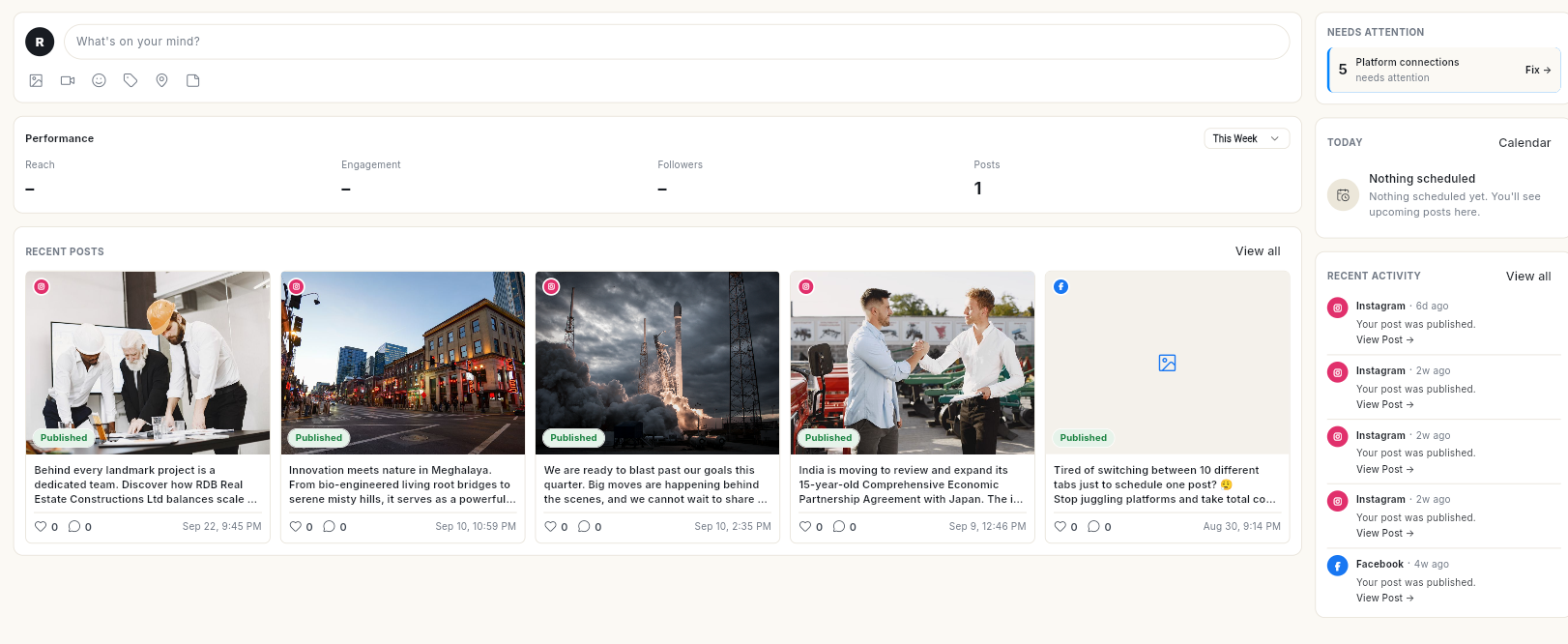
Where to find it
Open Social in the left rail. The panel lists:
- Home — what needs your attention today.
- Insights — how your posts perform.
- Publish — the post queue, with the tabs Queue, Drafts, Approvals and Sent, and a List / Calendar switch.
- Templates — ready-made and saved post templates.
- Business Info — your Google Business Profile details.
The panel also has a New button (Post, Connect a new channel) and a Channels list of your connected accounts.
Accounts are connected under Connect → Social Connections in the left rail.
Review Booster moved out of Social. The review page, QR code and flyer are now in Google Reviews under More. See Google Reviews.
Before you start
- Your role has Social access. Each panel item has its own permission, so you may see only some of them.
- At least 1 network is connected. See Connect social accounts.
- For a Facebook Page or LinkedIn company page, you are an admin of that Page. For Instagram, the account is a professional (Business or Creator) account.
Guides
| Guide | Use it when |
|---|---|
| Connect social accounts | You are starting with Social, or a connection has expired. |
| Use the Social sidebar | You want to start a post or open one channel from the panel. |
| Use Social Home | You want to see what needs action today and reply to comments. |
| Read social insights | You want to see what worked. |
| Explore Insights charts and one channel | You want the follower and post charts and one channel's metrics. |
| Create and publish a social post | You want to post now, or save a draft. |
| Use the AI Assistant in the composer | You want AI to write the caption or find an image. |
| Schedule posts and manage the queue | You want a post to go out later, or need to change a scheduled post. |
| Use Publish filters, overview and post details | You want to filter, copy a post link or see which channel failed. |
| Review posts before they publish | Posts need a second person's approval before going live. |
| Use post templates | You want to start from a ready-made post. |
| Manage your Google Business Profile | You want to update your listing details, hours or links. |
| Reply to Google reviews | You want to answer or track Google reviews. |
| Get more Google reviews | You want customers to post more Google reviews. |