Sign in to Ohanvi
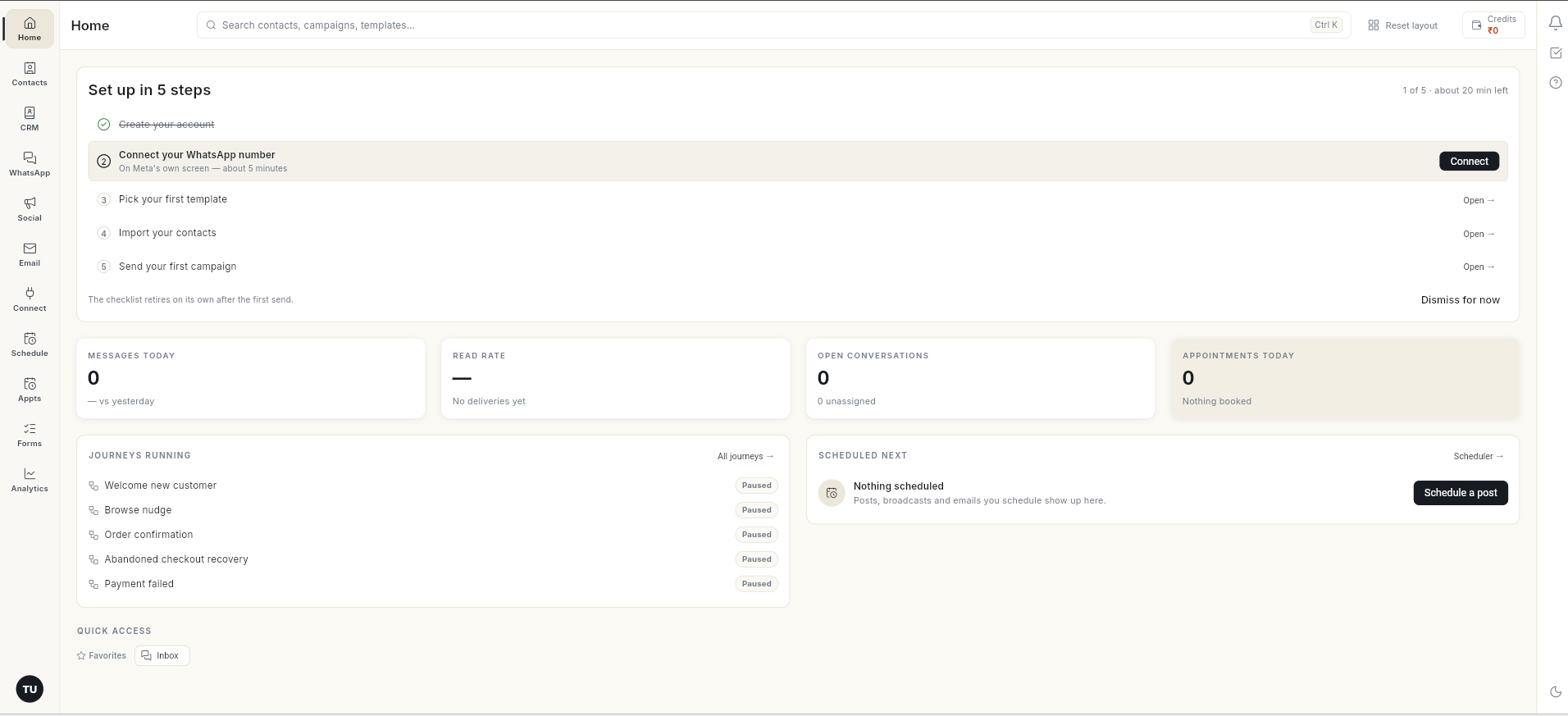
Sign in to your workspace with your username and password, your Google account, or a code sent to your email. You land on Home, where the setup checklist and today's numbers are waiting.
Before you start
- You have an Ohanvi account. If not, sign up for Ohanvi first.
- You know your username (or email) and password, or you can open the email inbox linked to your account.
Steps
Sign in with username and password
- Go to app.ohanvi.com.
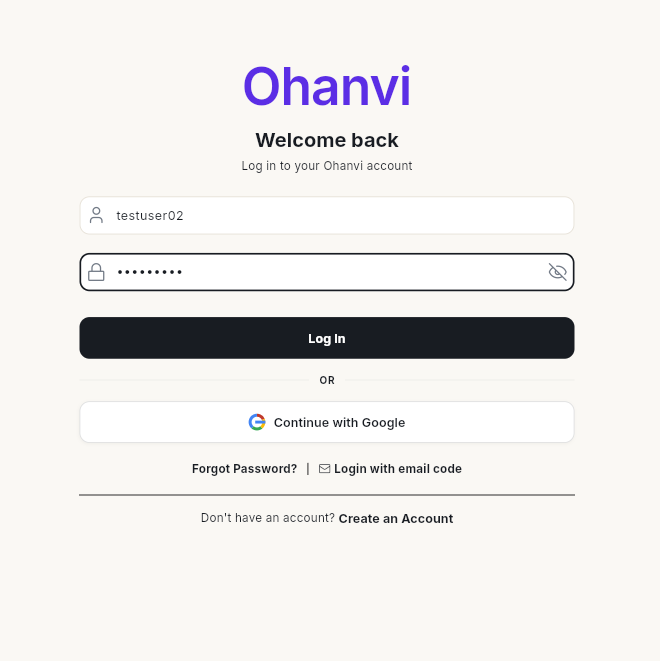
- In Username or email, type your username or the email you signed up with.
-
In Enter your password, type your password. Click the eye icon to show or hide it.
-
Click Log In. Ohanvi opens Home.
Sign in with Google
-
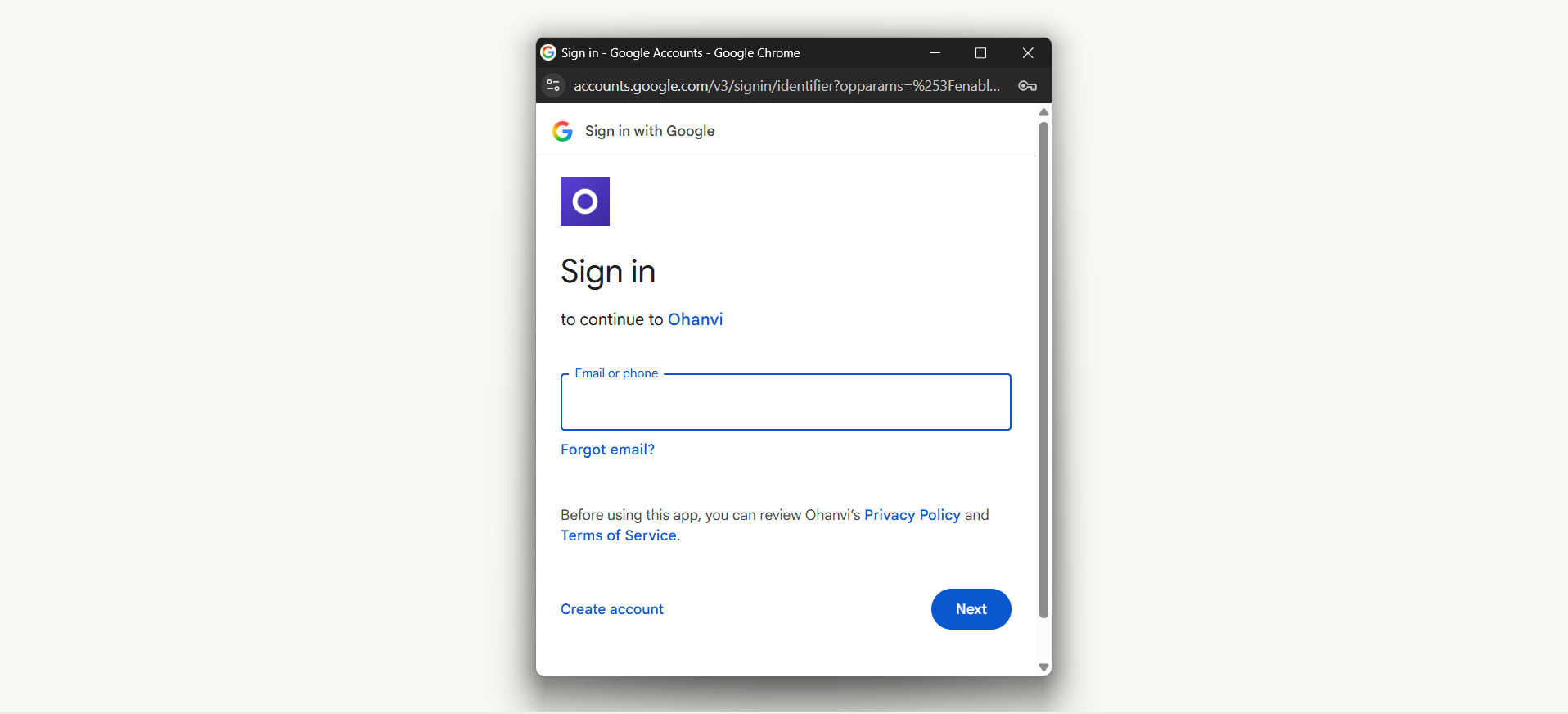
On the login page, click Continue with Google. A Sign in with Google window opens.
-
Sign in with the Google account that uses the same email as your Ohanvi account. Ohanvi opens Home.
Note
Continue with Google only signs in to an existing account. To create a new account with Google, use Sign up with Google on the sign-up form. See Sign up for Ohanvi.
Sign in with an email code
Use this when you do not remember your password.
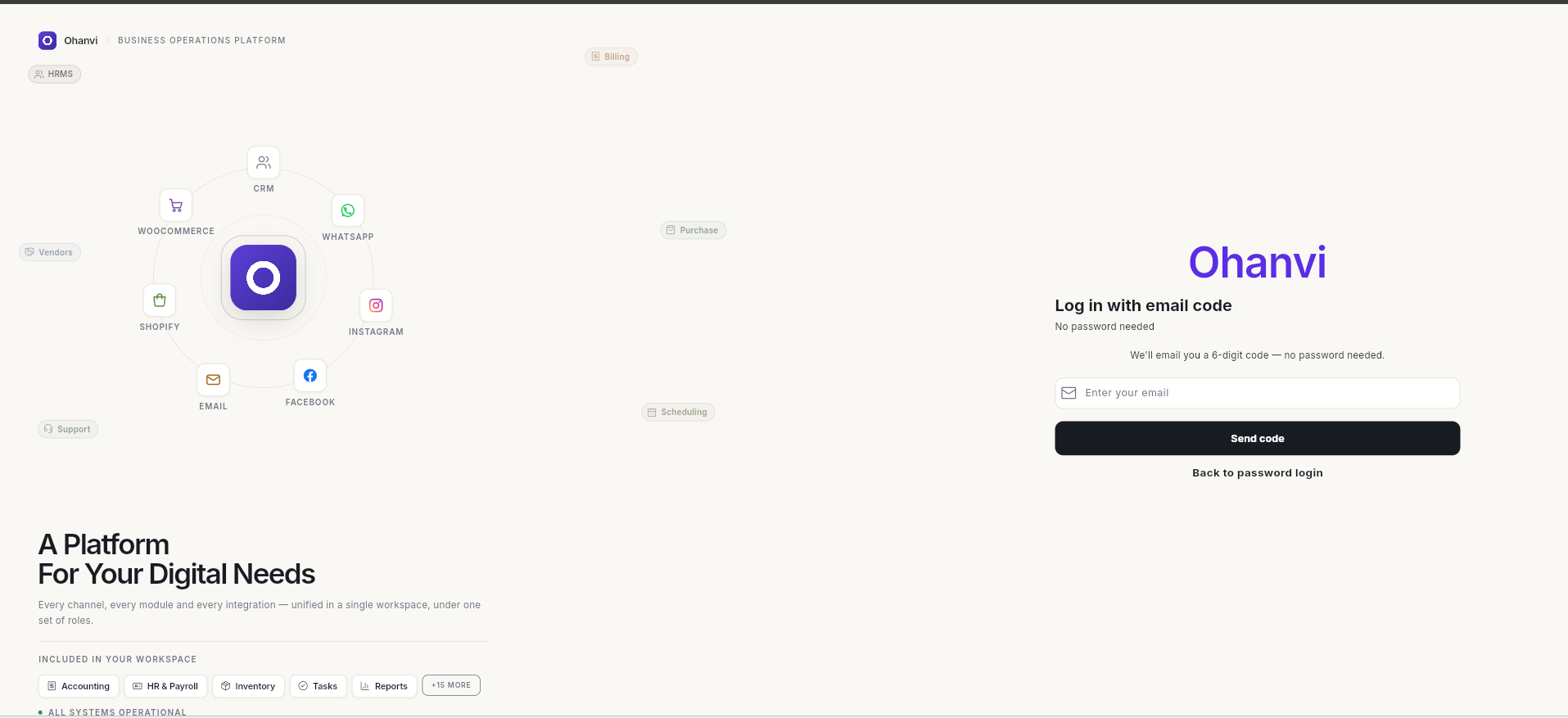
- On the login page, click Login with email code. The Log in with email code screen opens.
-
In Enter your email, type the email linked to your account, then click Send code.
-
Open your email, copy the 6-digit code, enter it, and click Verify. The code works for 10 minutes.
To go back to the normal login form, click Back to password login. If you already clicked Send code, click Use a different email instead.
Sign out
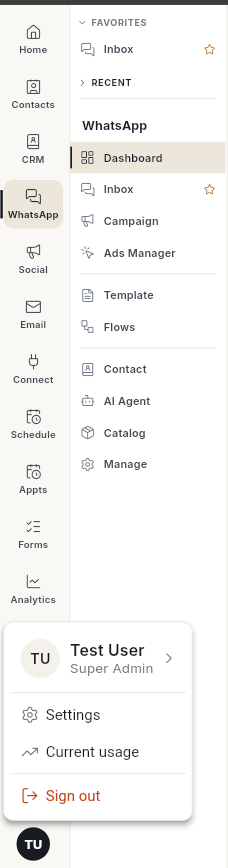
- Click your initials in the bottom-left corner.
-
Click Sign out. The message Logged out successfully appears and the login page opens.
Video walkthrough
[VIDEO]
Troubleshooting
| Issue | Cause | Fix |
|---|---|---|
| Wrong username or password message | A typo, or Caps Lock is on. | Click the eye icon to check the password, then try again. |
| You forgot your password | — | Click Forgot Password? on the login page and reset it with a code sent to your email. See Reset your password. You can also sign in with Login with email code. |
| No account found for this email. Please sign up first. | No Ohanvi account uses that email. | Check the email, or sign up for Ohanvi. |
| No account found for this email. Please sign up first. after Continue with Google | No Ohanvi account uses that Google email. | Choose the Google account with your Ohanvi email, or use Sign up with Google on the sign-up form. |
| No code in your inbox | The email went to spam or promotions. | Check those folders and wait 1–2 minutes before asking for a new code. |